Click here to register for the Procreate Art Workshop
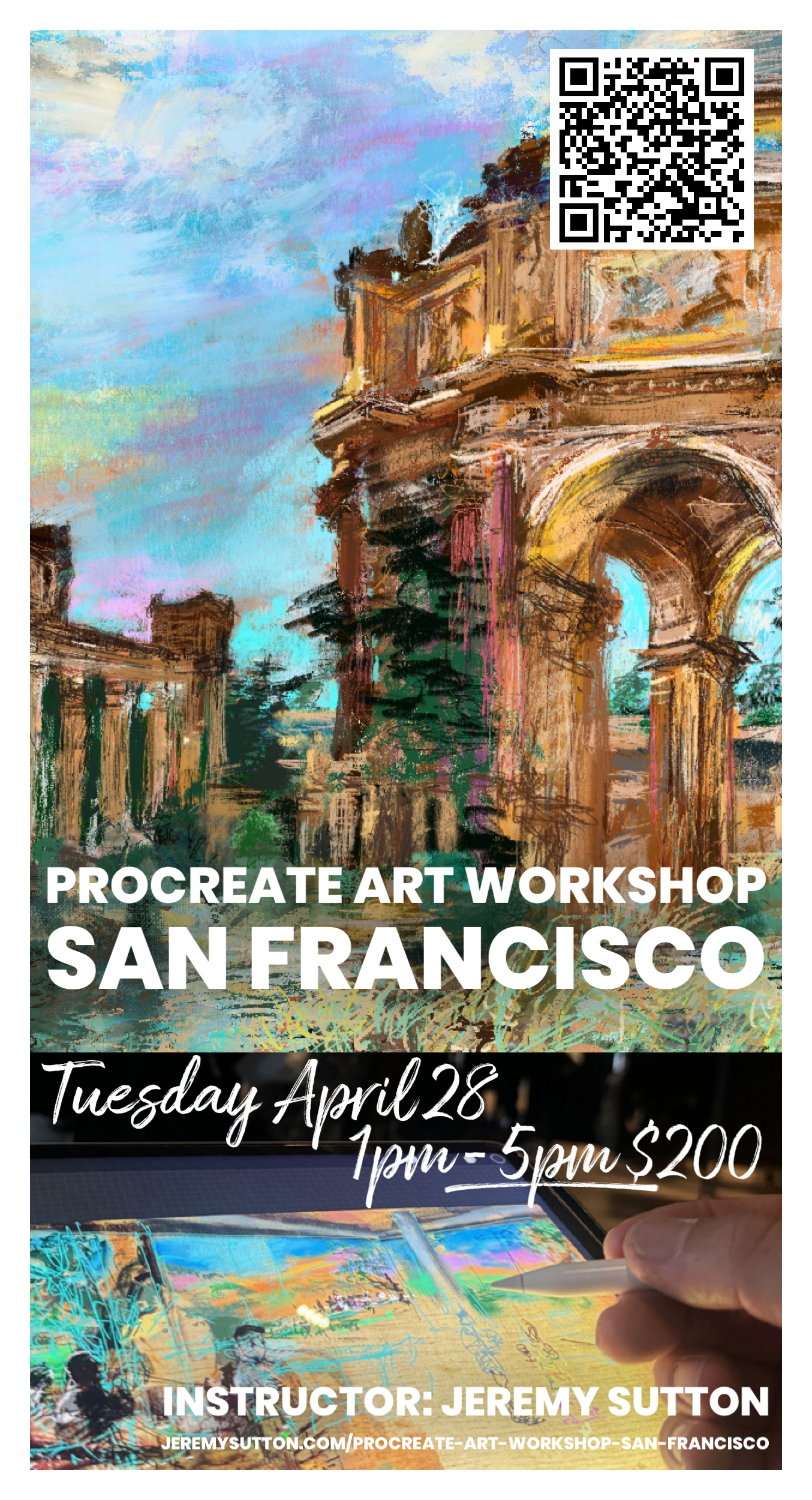
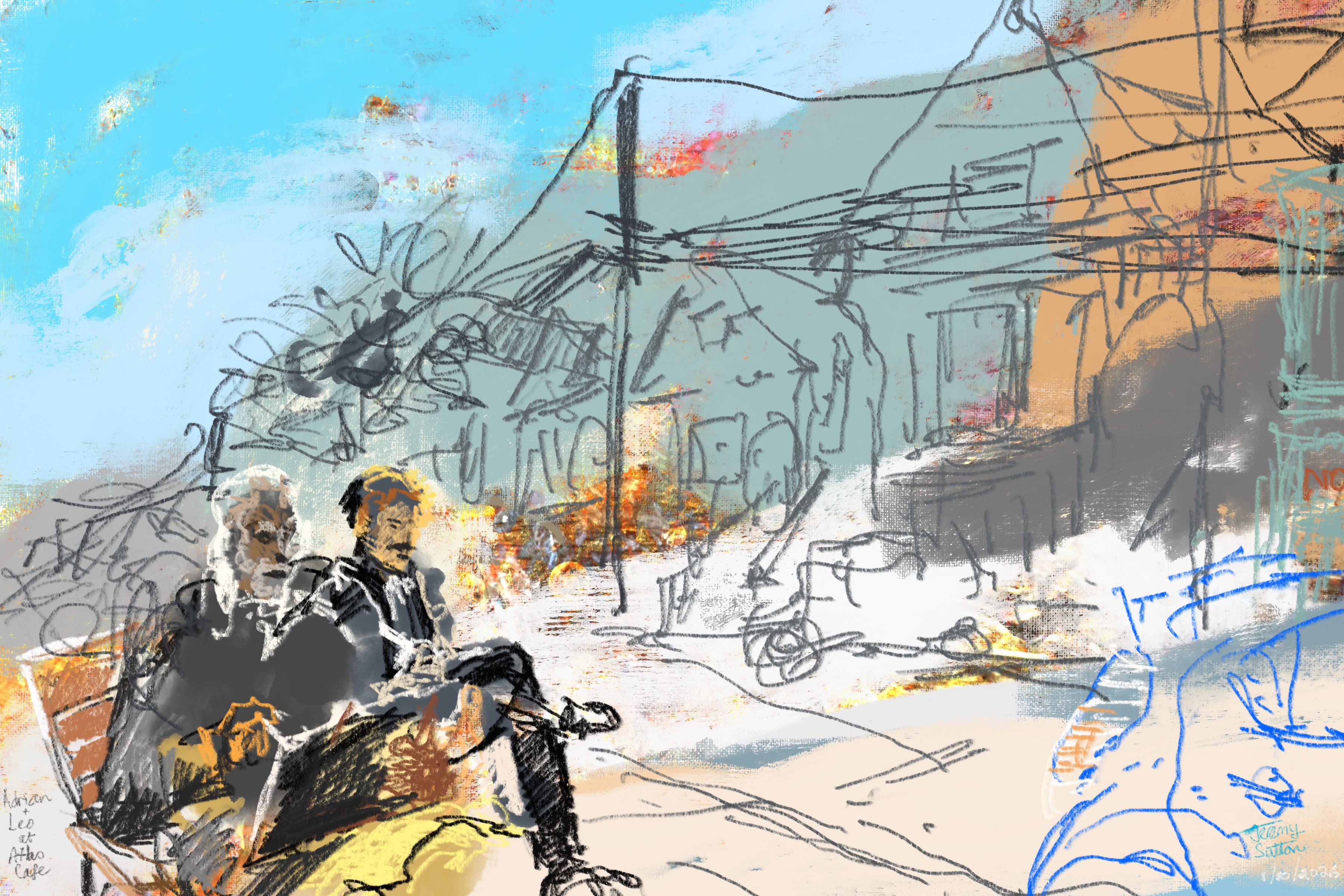
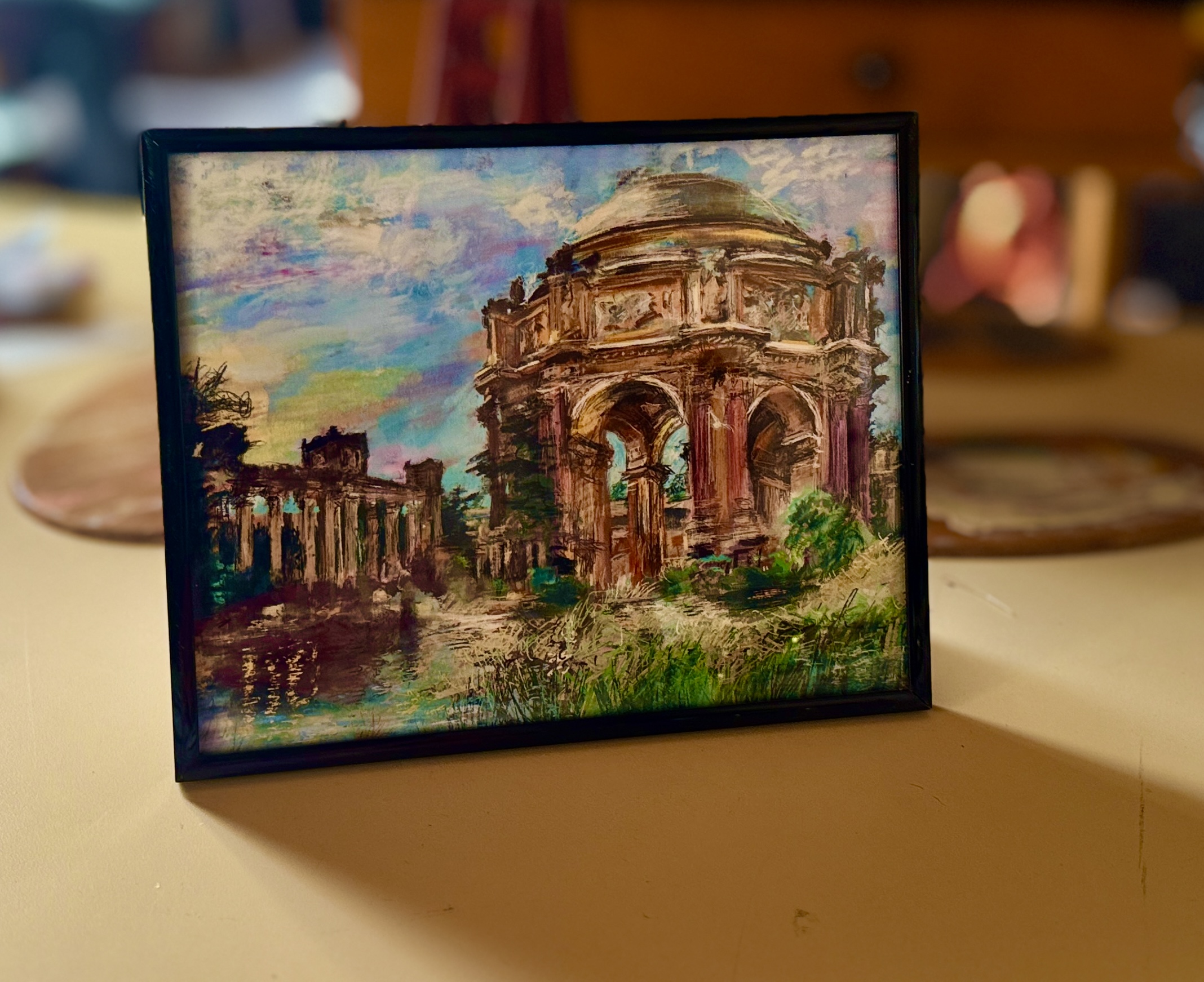
This 4-hour Procreate Art Workshop is a great opportunity for you to stretch yourself both artistically and technically while learning how to use the premier painting app on the iPad, Procreate. Enjoy a stimulating, creative afternoon of discovery, experience and experimentation. The principles and ideas we will explore will serve you in any medium. My approach is very practical, methodical and thorough, focused on what works in practice. You’ll learn specific techniques and skills that free you up to express your unique point of view in your natural style.
You will learn how to generate interesting textured artistic digital backgrounds for use in Procreate. You will explore the tension of opposites in art — line versus blocks; diffuse versus sharp; darks versus lights; additive versus subtractive techniques; positive versus negative shapes; flat forms versus sculpted forms; smooth versus textured surfaces; contour shapes versus fields of tone and color; and suggestion versus explication.
After warming up and stretching your creative muscles with a series of “Power-of-Opposites“ exercises, you’ll learn the my “Bold-to-Beautiful” Three-Part Creative Workflow Technique that I employ in my professional practice as a portrait artist and live event painter. The three parts are (1) starting with loose, big, bold blocks of color and tone; (2) overlaying a “Contour Çomposition Map” – the line-work layer; and (3) selectively bringing out focus, contrast and detail in your composition.
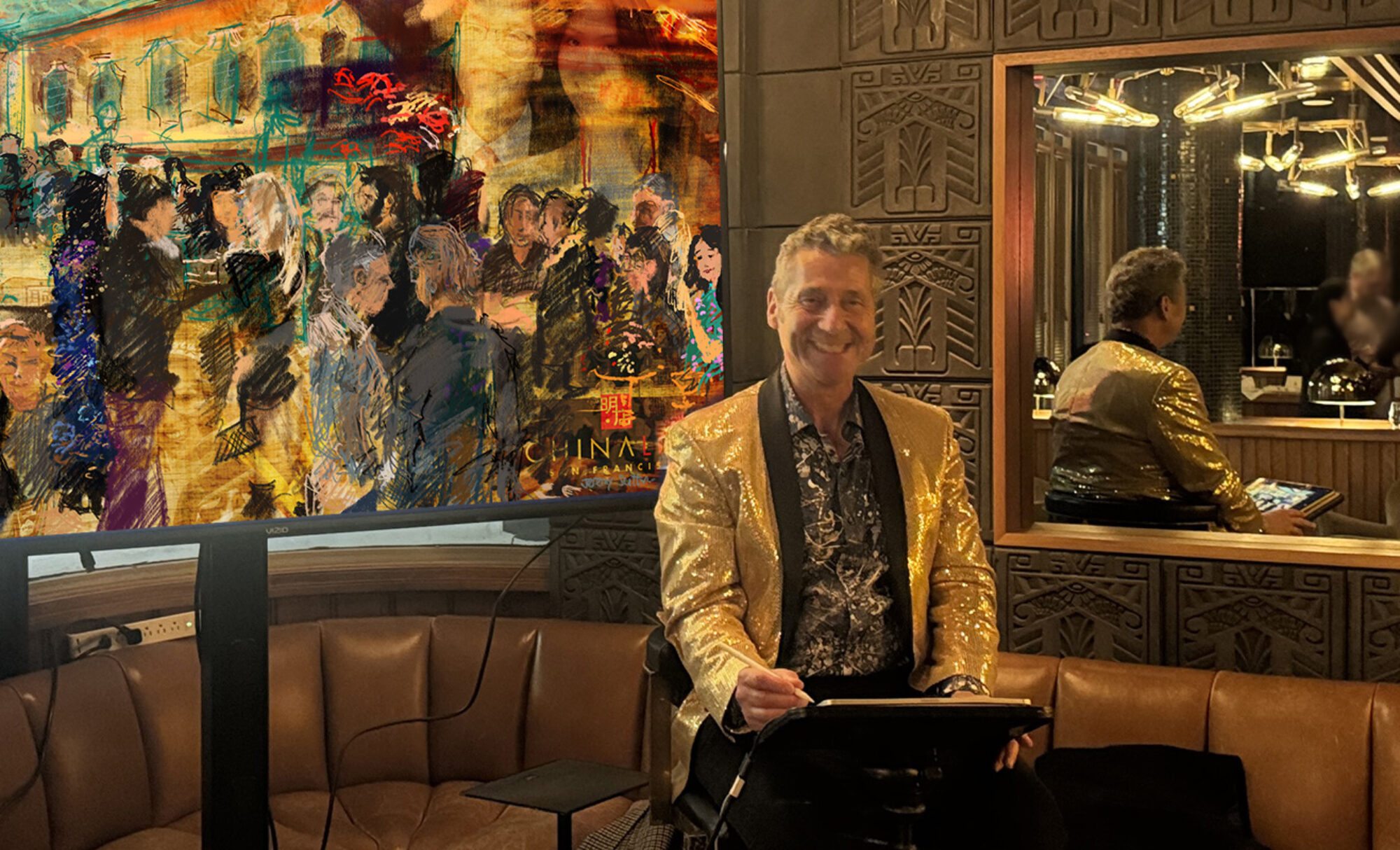
Procreate has been the main painting app I’ve used professionally on the iPad for the last decade. I am excited to share tips, techniques and a workflow with you, based on what has worked for me.
What You’ll Learn
In the iPad you’ll learn how to set up the preferences and settings for optimum creative flow; how to open and customize a new digital canvas, including importing a photo for background texture; how to work with and go between the painting and gallery modes of the app; how to pick and control color; how to use and understand layers; how to use reference images; how to choose, import, control and customize brushes; how to save, organize, share and back-up your artwork; how to see, use and export the time lapse replay video.
You’ll learn how to loosen and control quality of your line; how to see a subject in terms of major abstract compositional shapes or blocks and translate that onto your digital canvas; how to start out general and then work towards selective detail; how to choose, add and work with color, both for blocking out and for accents; how to work with the tension of opposites; how to explore and use contrasts; how to harness the power of being committed to your marks and process; and how to know when to stop and step back.
We will apply these techniques to drawing from direct observation.
Class Content Curriculum & Schedule
1pm PART 1: FOUNDATION, SETUP & CUSTOMIZATION
2pm PART 2: SHAPE, CONTOUR & COMPOSITION
3pm PART 3: SHADOW, HIGHLIGHT & FORM
4pm PART 4: COLOR, ACCENTS & CONTRASTS
Travel
If you want to fly in from out of town for the weekend, please do! With what you learn on Saturday at my workshop, you can then go out and apply your skills plein air painting in the beautiful city of San Francisco views like the magnificent Palace of Fine Arts, the atmospheric cafes of North Beach and, of course, the iconic Golden Gate Bridge. Let me know if you need any recommendations for accommodation or other assistance.
If you’re local and driving in I would suggest allowing extra time to find parking around the studio. Free spaces start opening up around lunchtime. Or get here early and eat in one of the local cafes like Tartine (5 minute walk from my studio) or The Atlas (10 minute walk from my studio). If you live in San Francisco I would recommend getting either Uber, public transport or cycling.
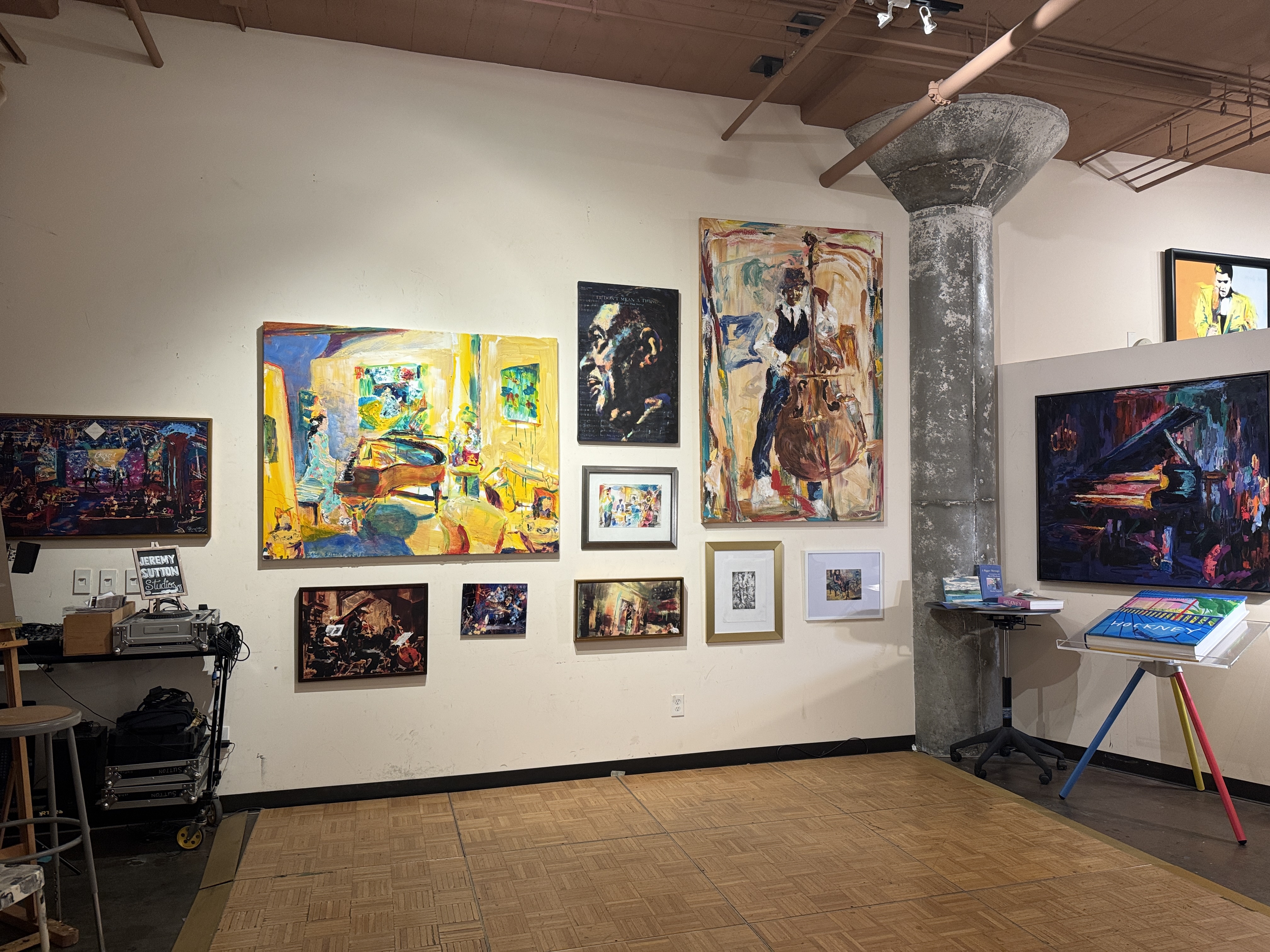
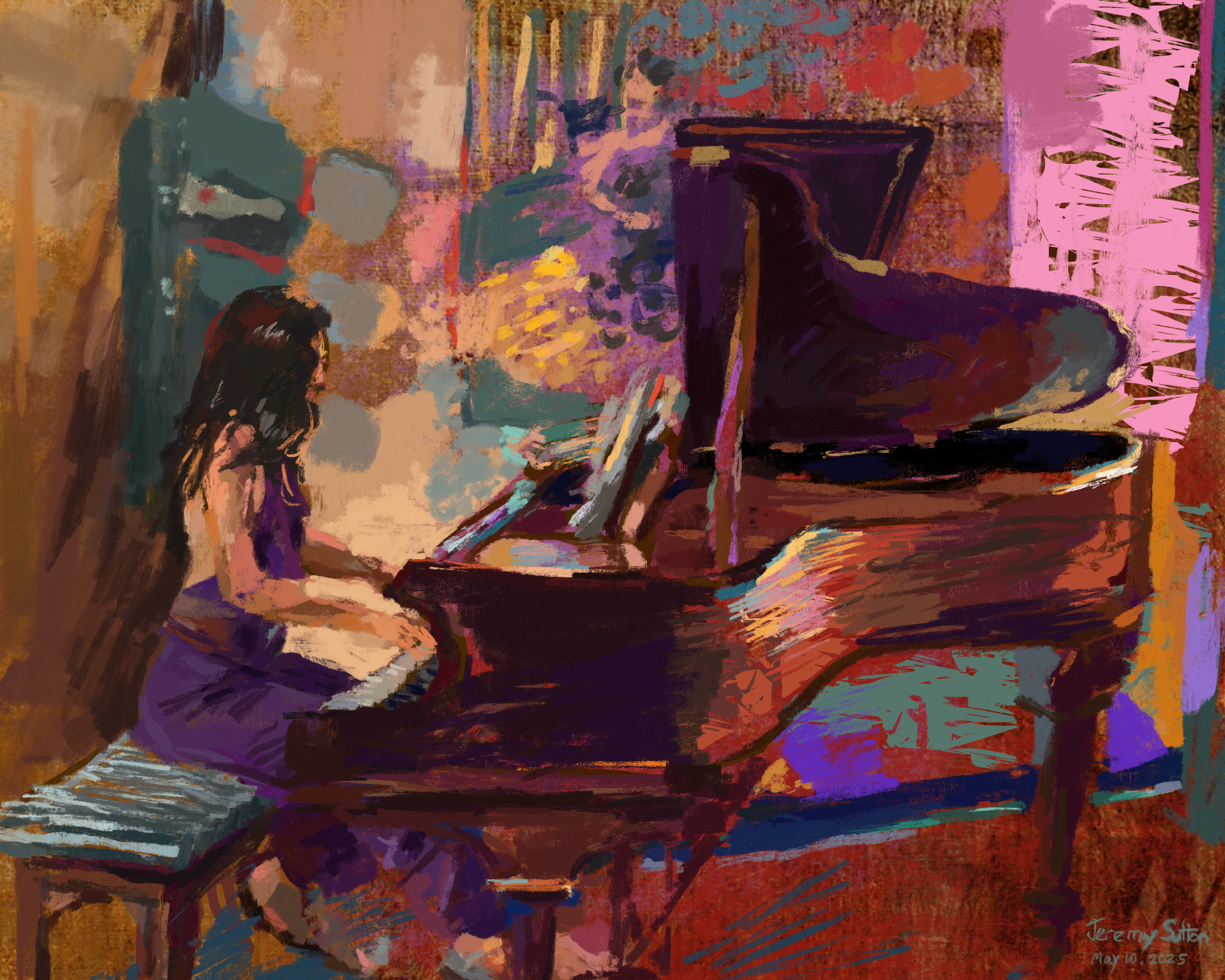 Jessica playing piano
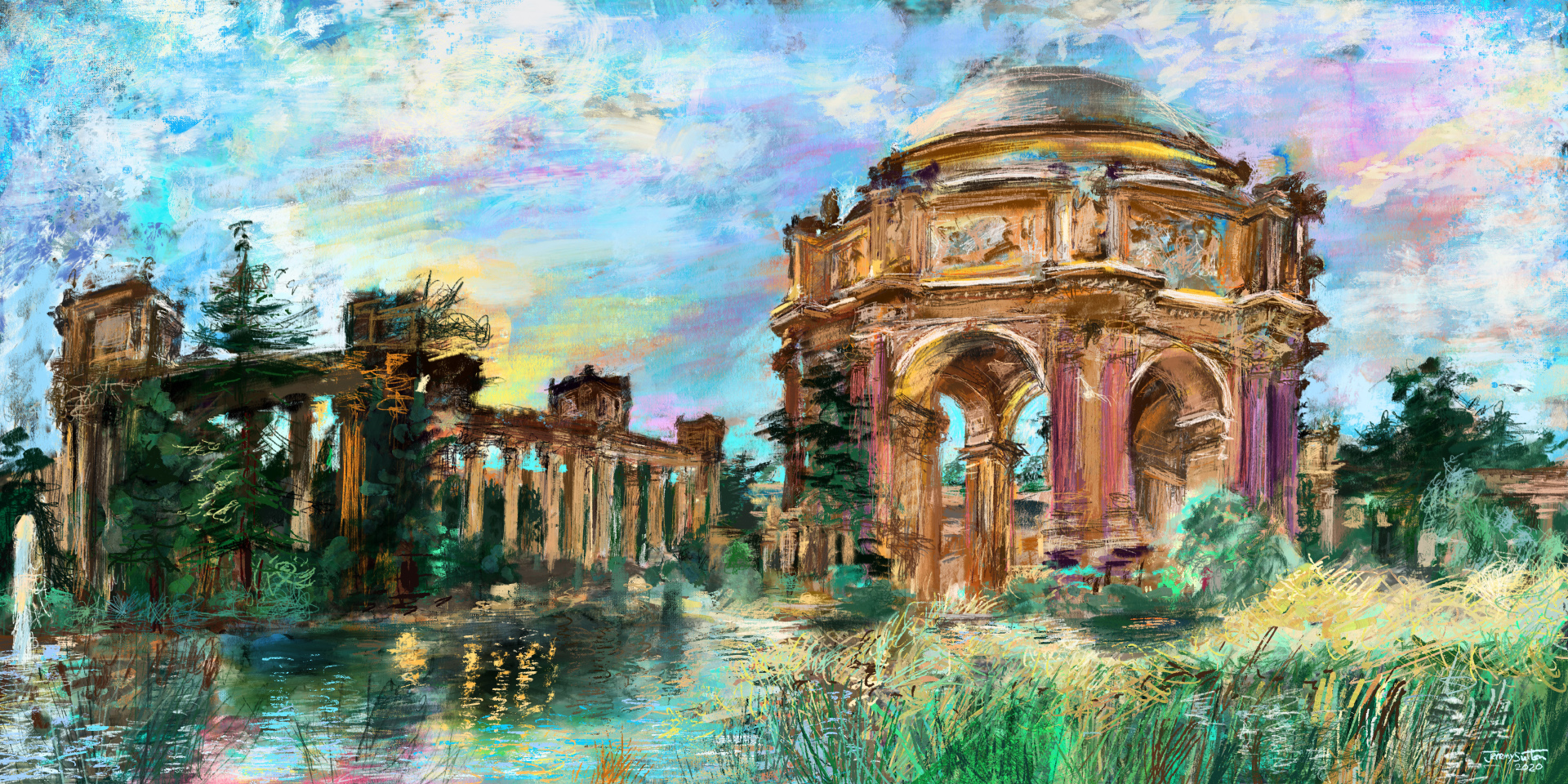 The Palace of Fine Arts
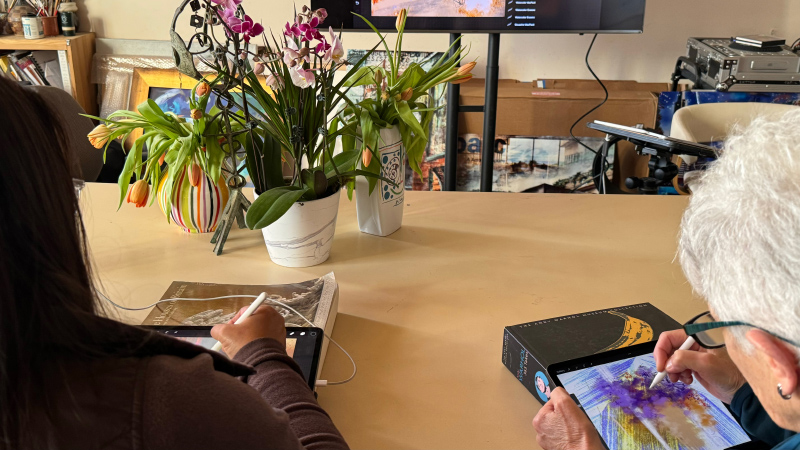
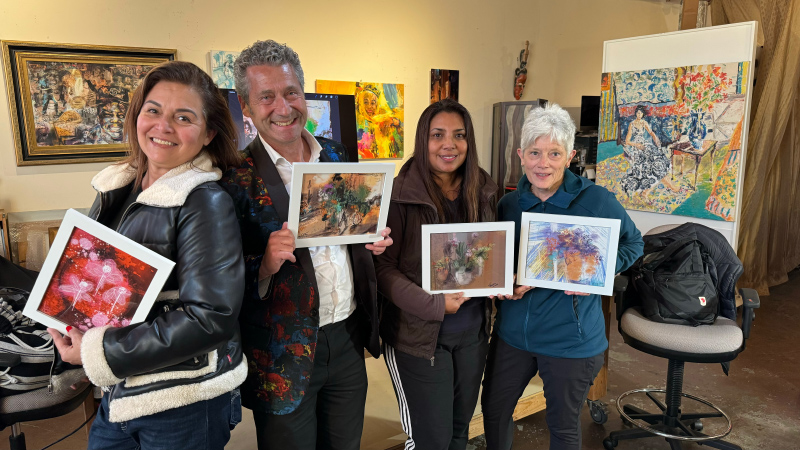
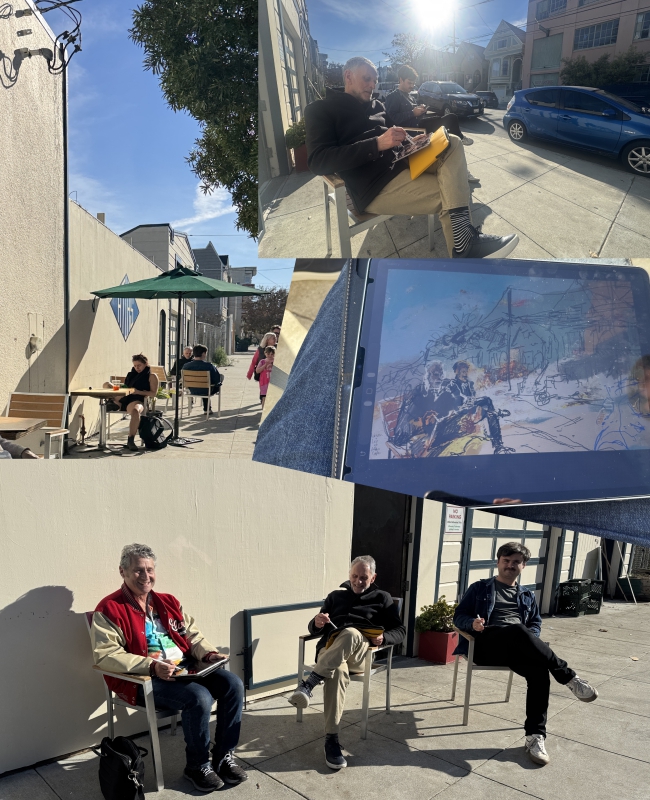
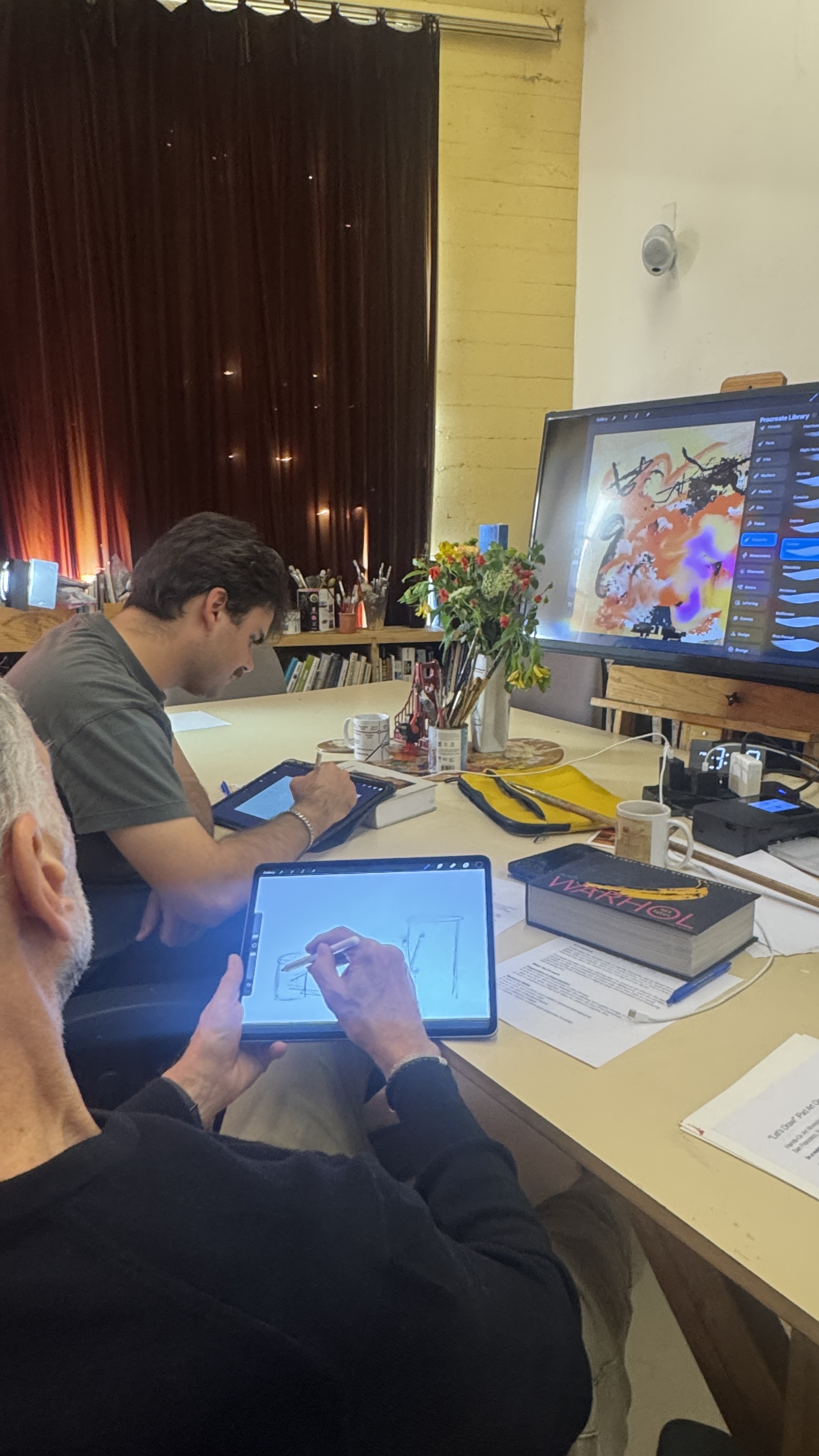
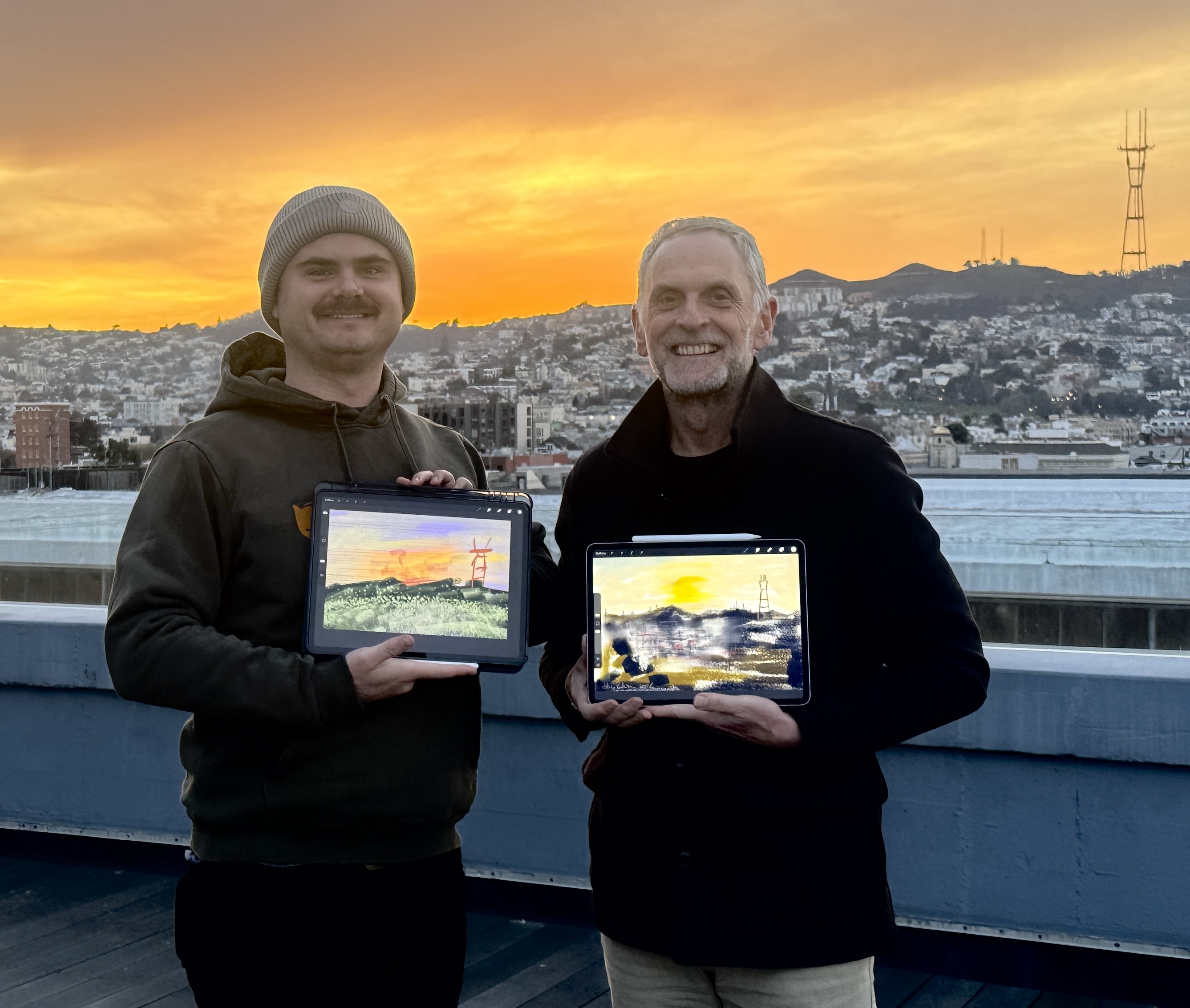
Photos from an earlier iPad Art Workshop in my studio: