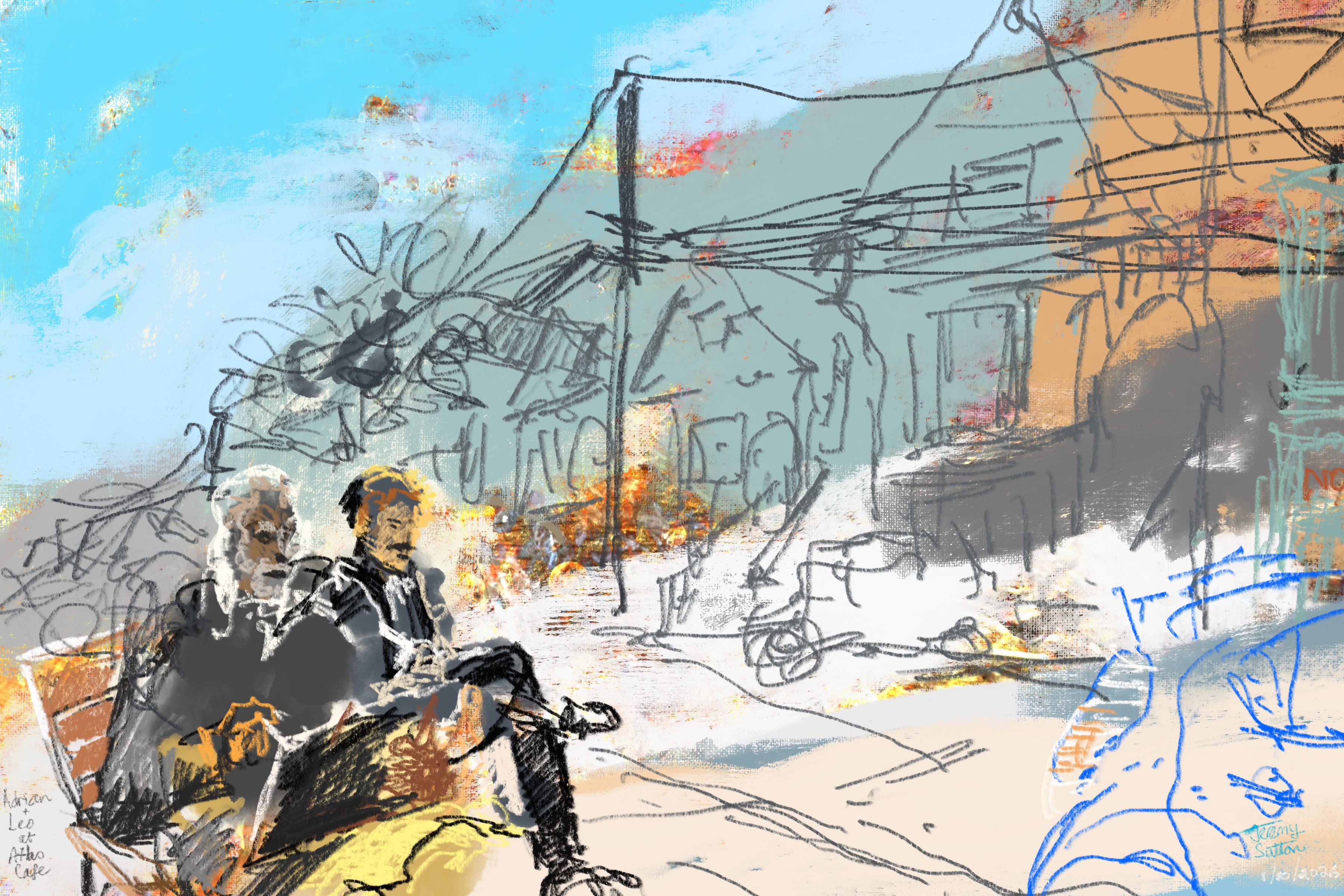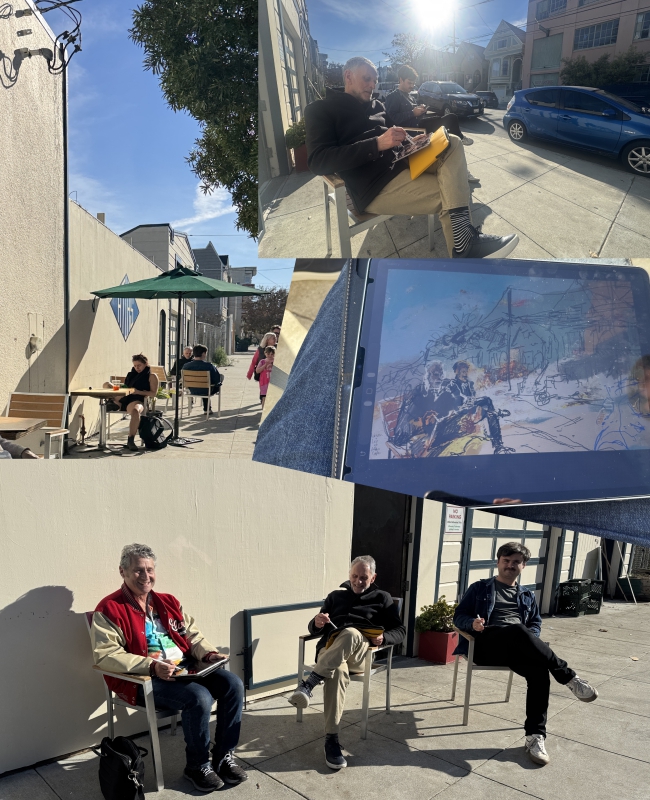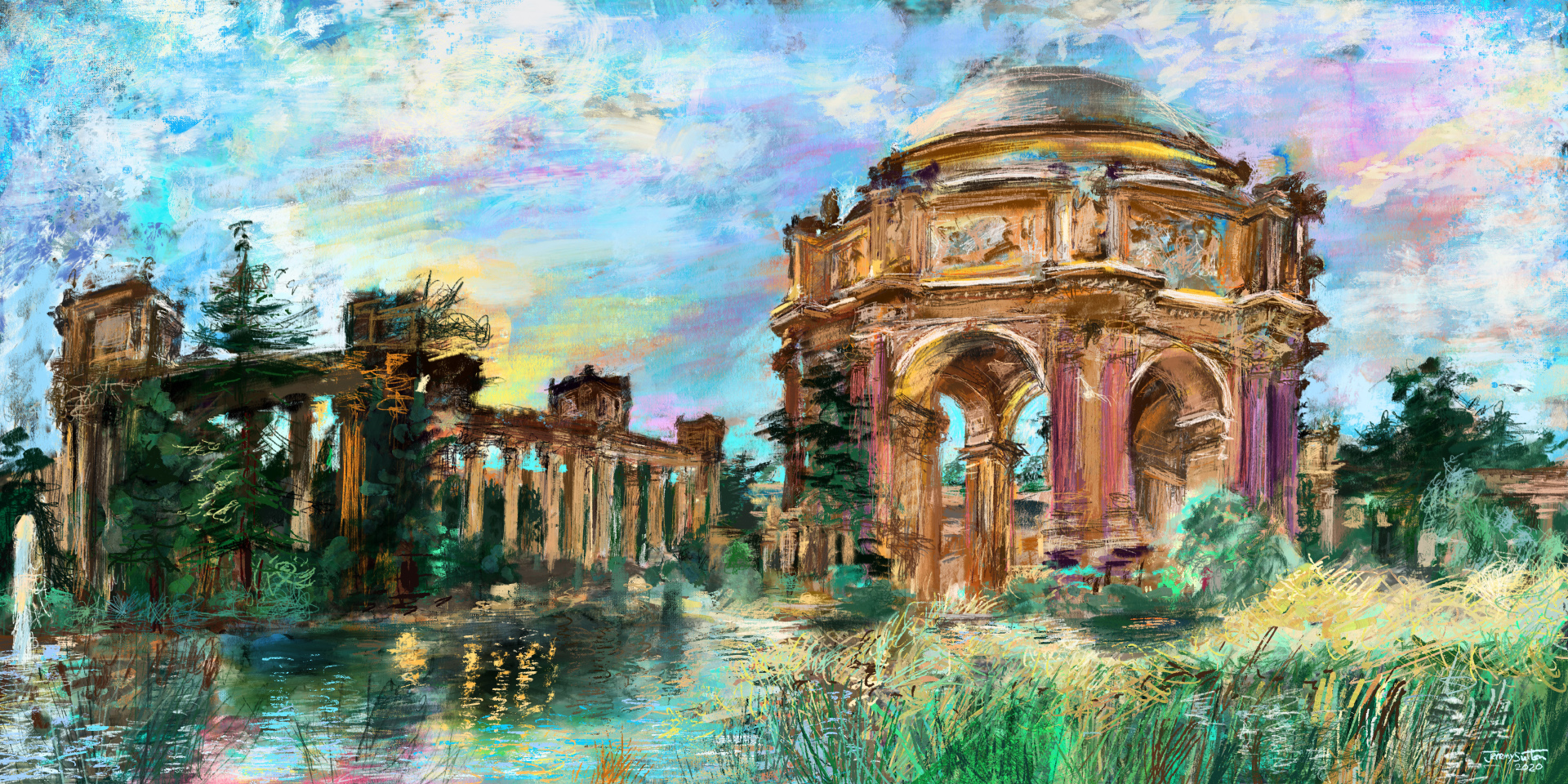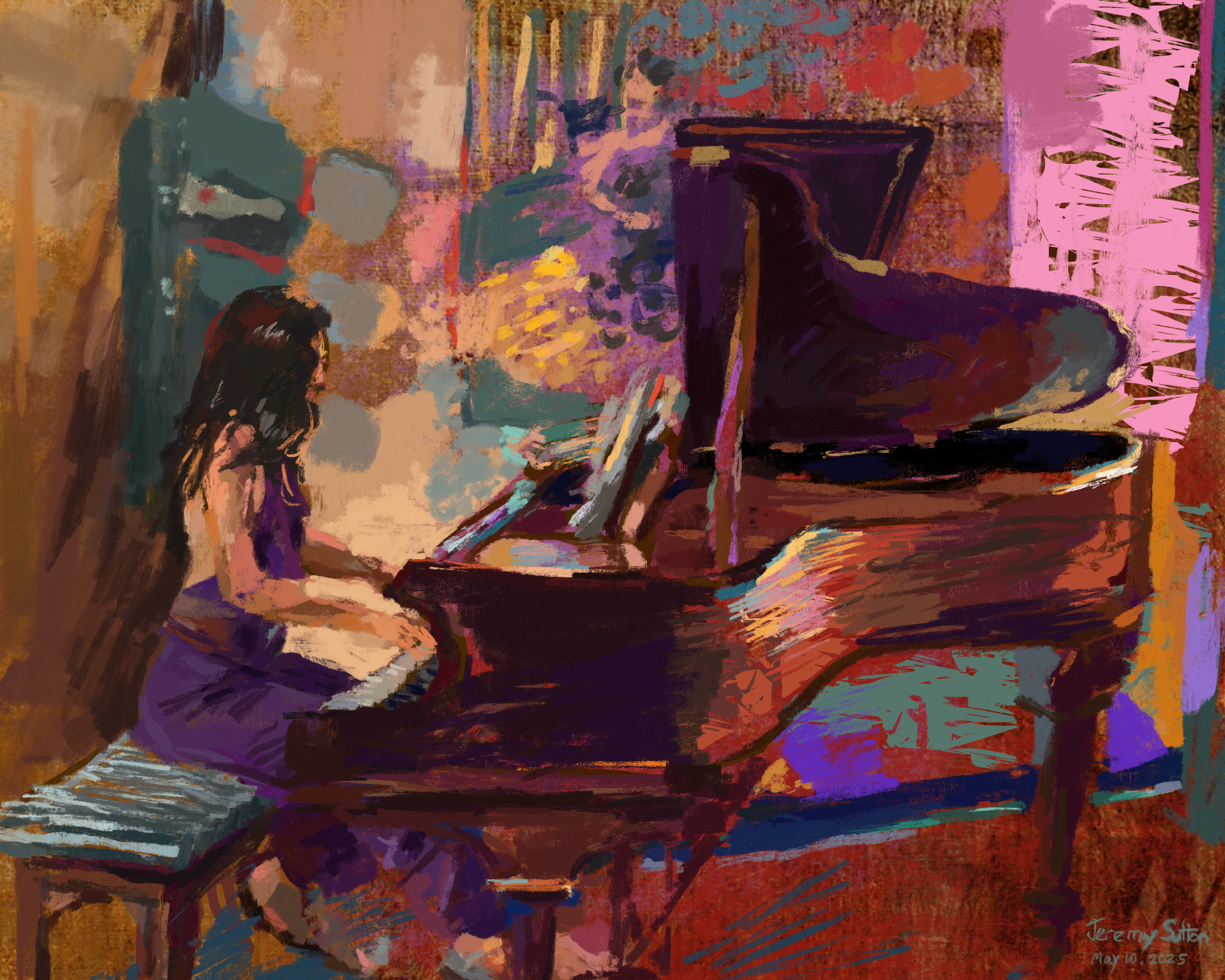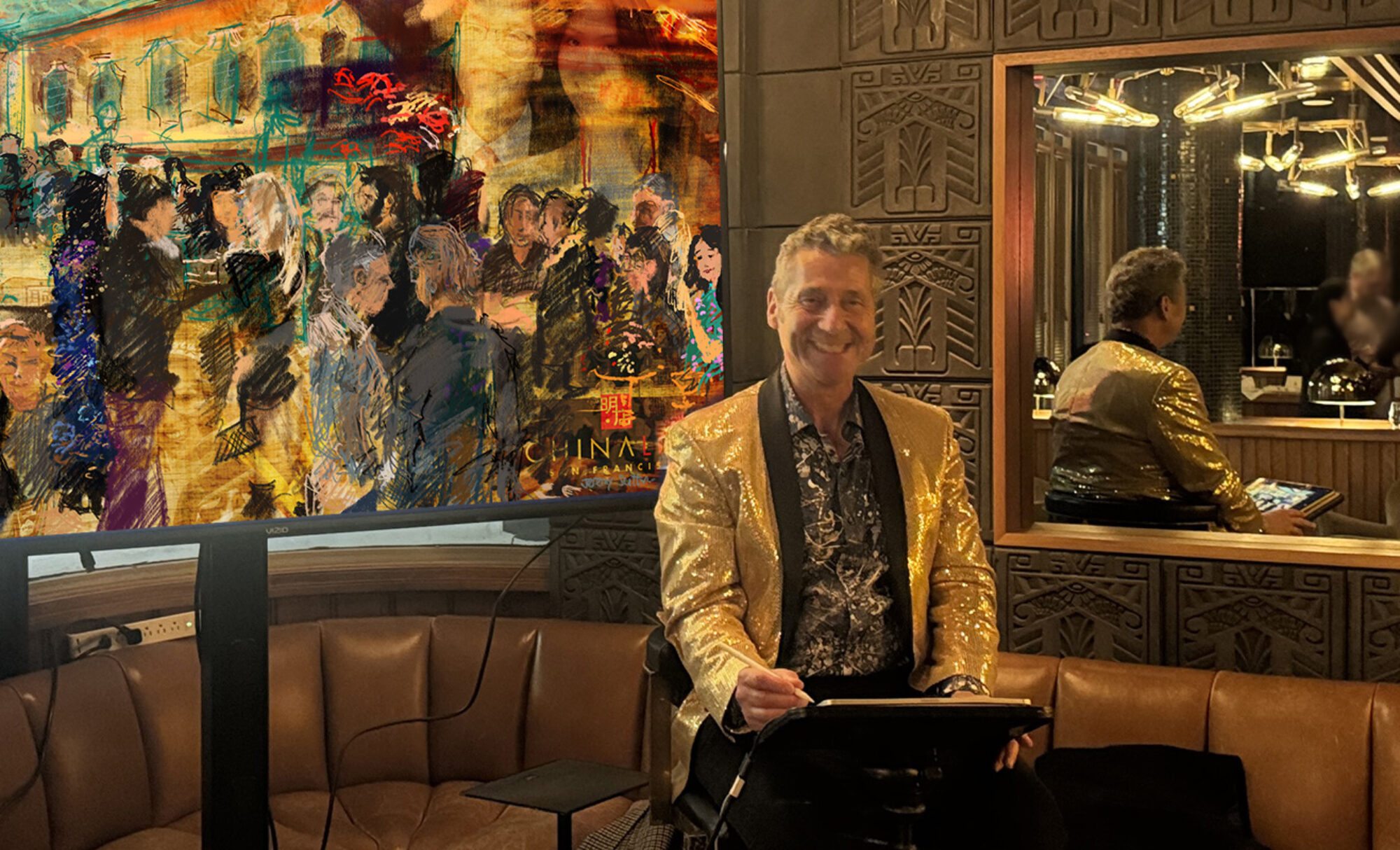
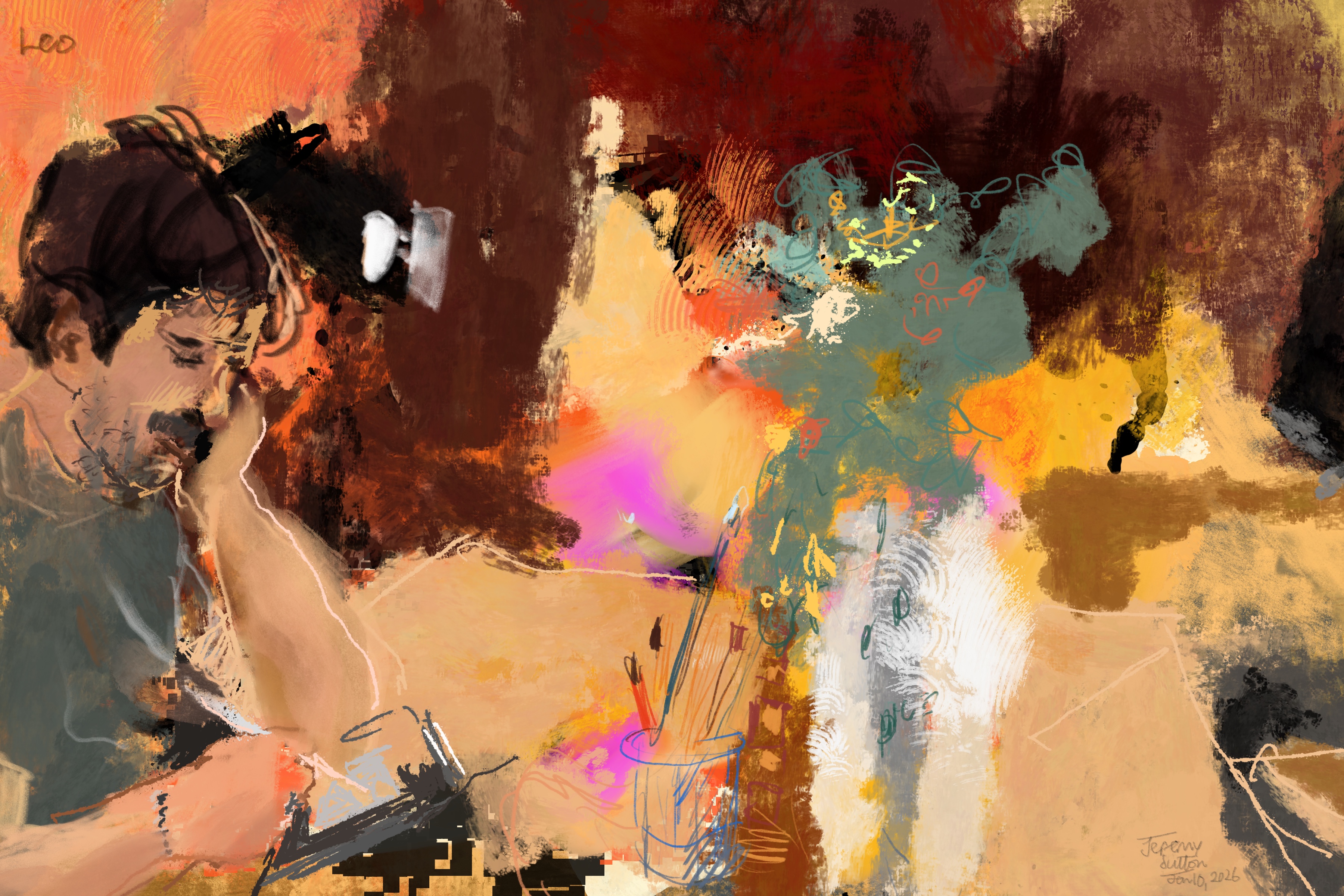
 My sketch of Leo sketching a still life in my studio
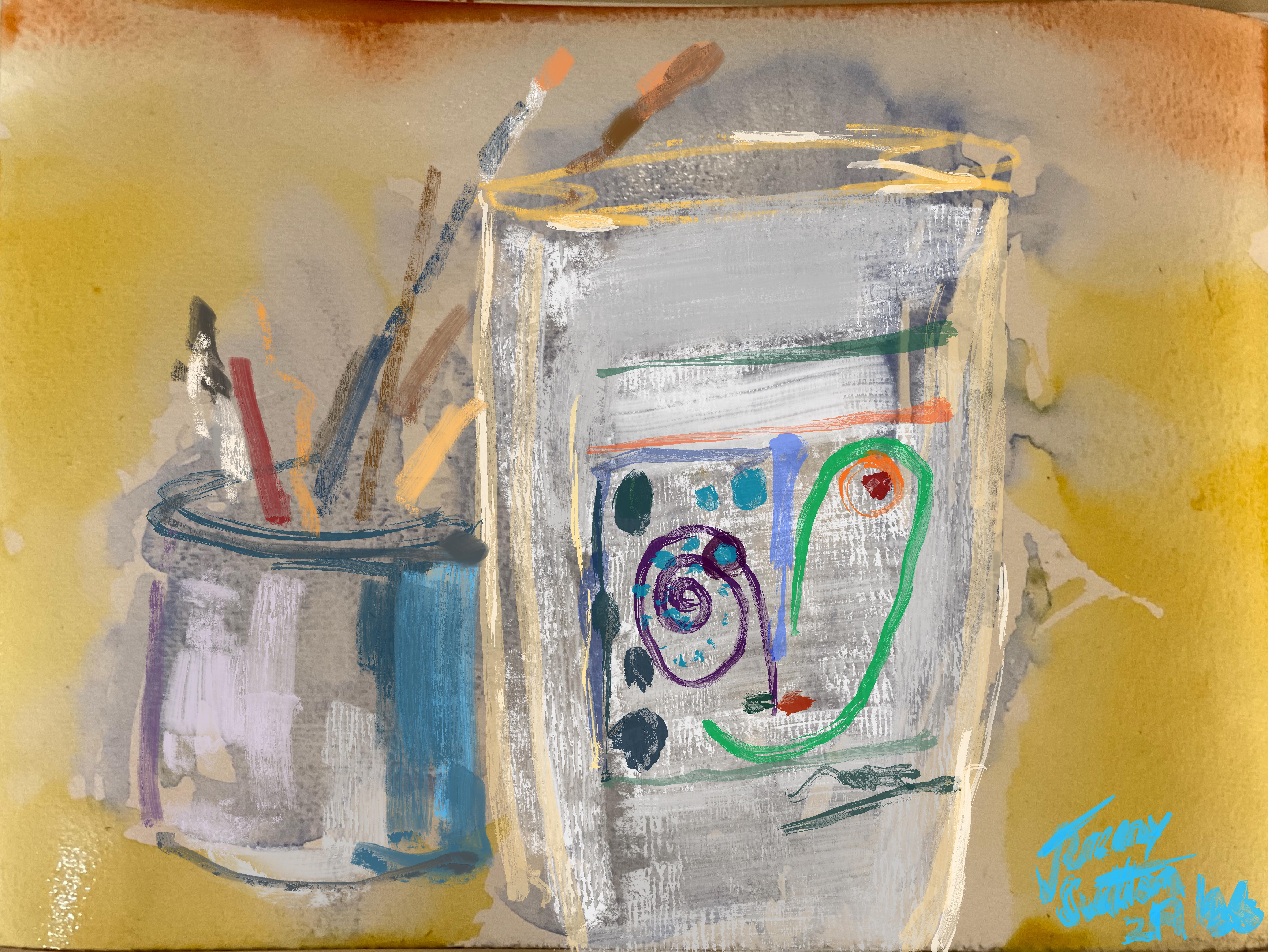 Watercolor mixed in with Procreate on iPad
Highlights
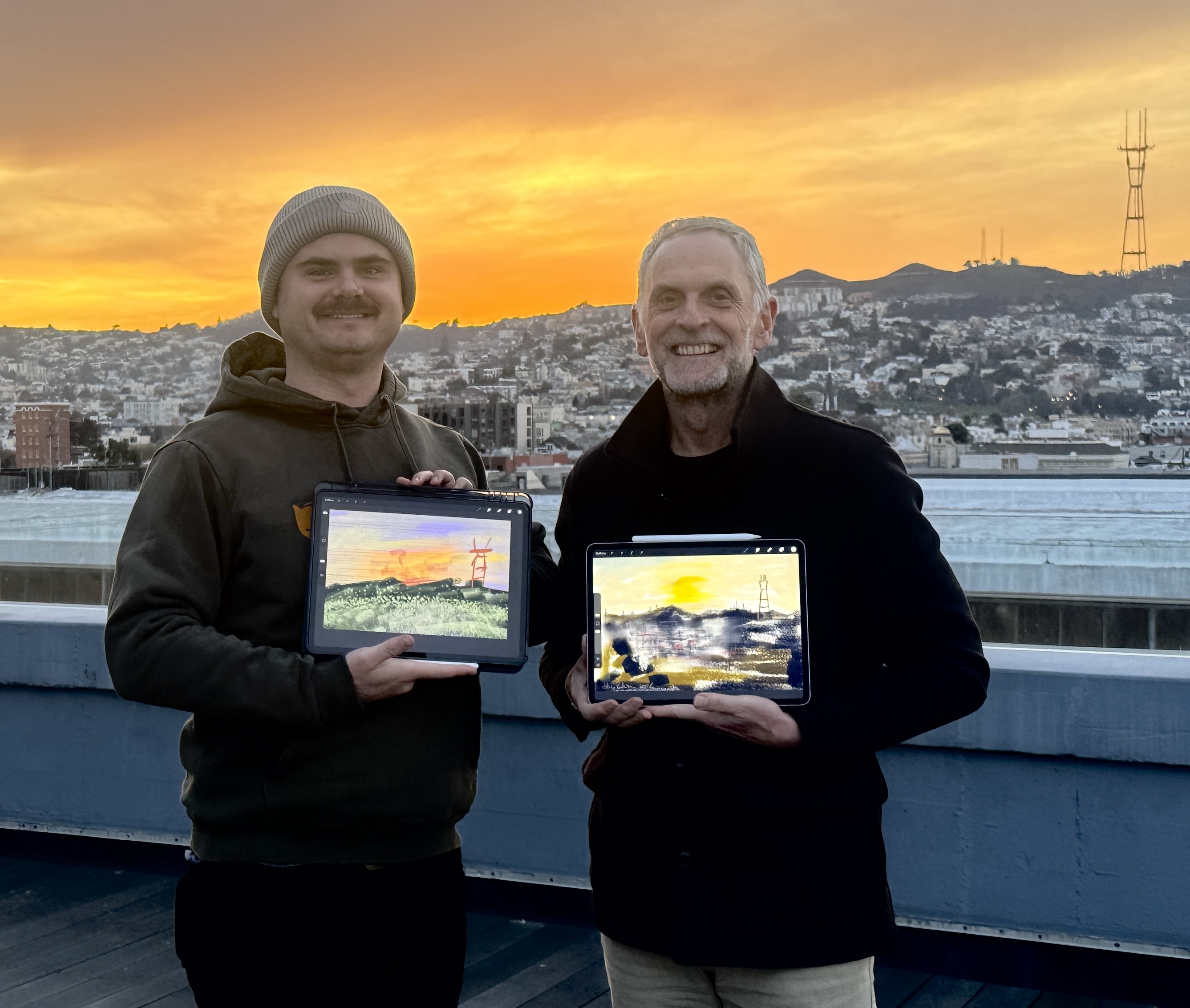
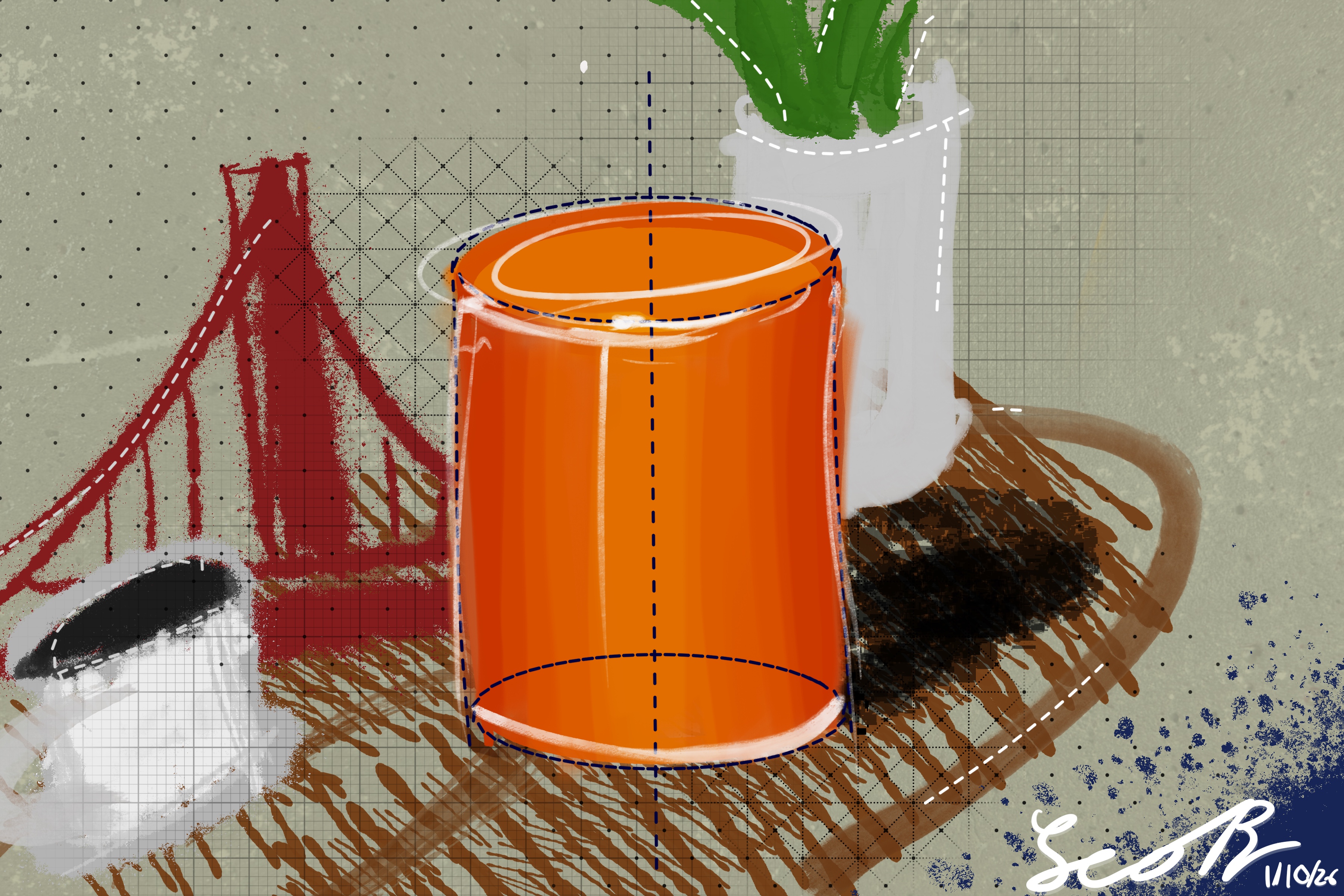 by Leo
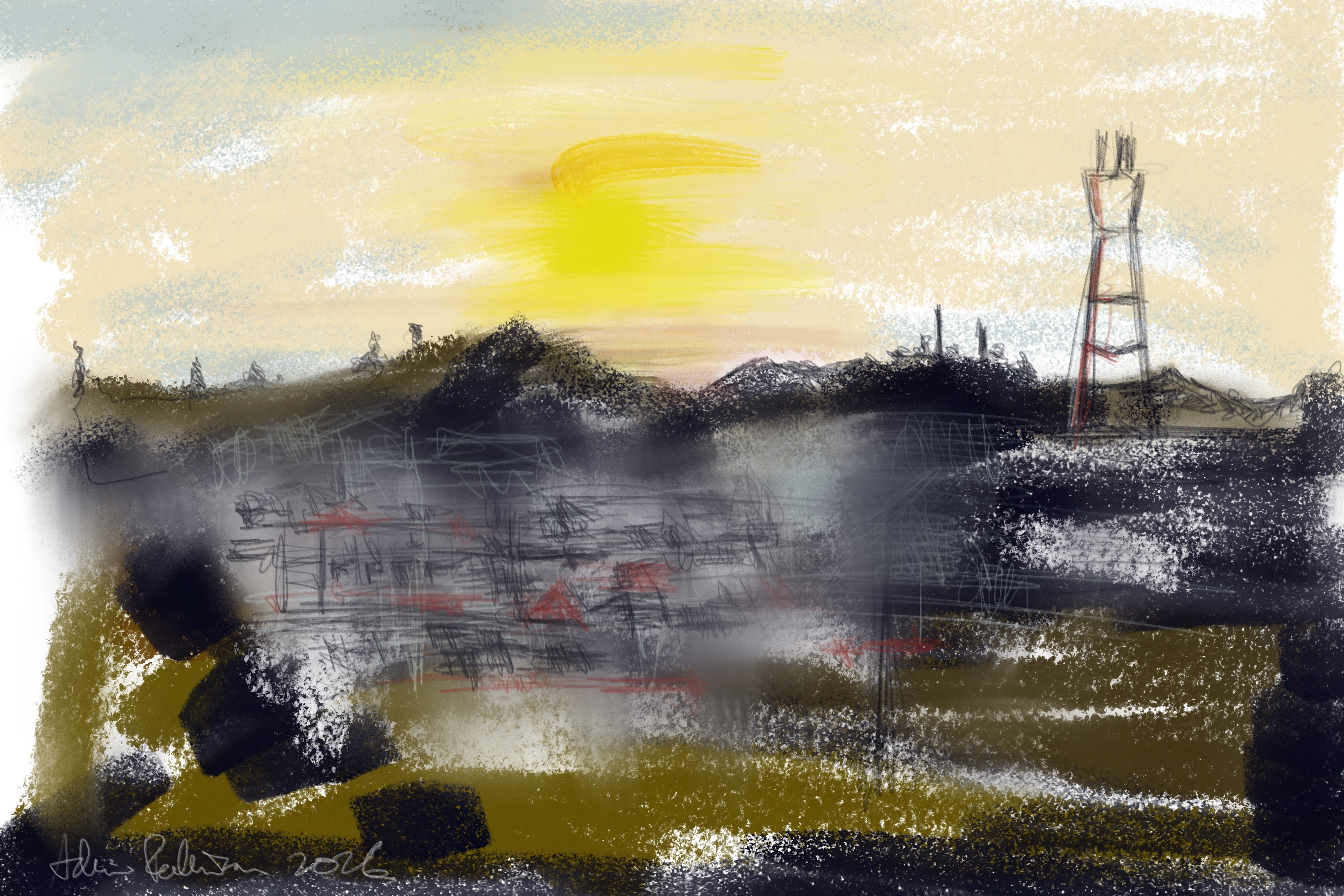
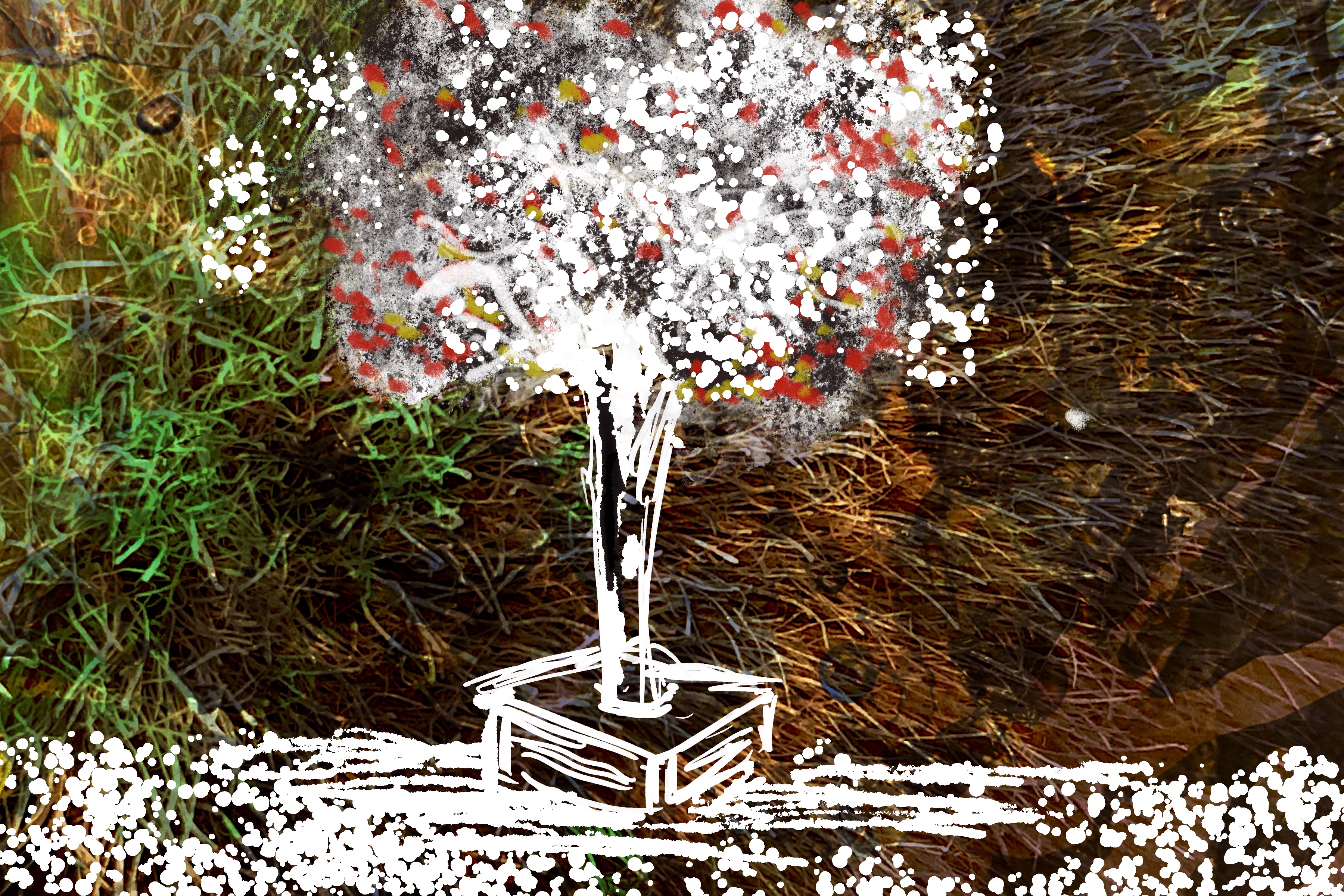 by Adrian
In a nutshell
In this playshop / workshop / class (in reality it’s a mix of all three!) I share an open spirit of exploring media and going between traditional and digital, and an intuitive and freeing approach to drawing what you see. This class is a great opportunity for you to stretch yourself both artistically and technically, integrating the use of physical media to generate backgrounds for digital painting, as well as digging deep into mastering the iPad app Procreate.You will learn how to use traditional media to generate interesting textured artistic backgrounds for use in Procreate. The approach I share starts with loose big bold blocks of color, which you then evolve, resolve, transform and develop, selectively bring out focus, contrast and detail.
Procreate has been the main painting app I’ve used professionally on the iPad for the last decade. I am excited to share tips, techniques and a workflow with you, based on what has worked for me.
What You’ll Learn
You’ll learn how to apply watercolor (and other media) on paper to create rapid loose gestural responses to what you see in front of you and then how to use that imagery as a background within Procreate on the iPad. In the iPad you’l learn how to open and customize a new digital canvas, including importing a photo (the watercolor background); how to work with and go between the painting and gallery modes of the app; how to pick and control color; how to use and understand layers; how to use reference images; how to choose, import, control and customize brushes; how to save, organize, share and back-up your iPad sketches; how to optimize your iPad and apps for optimum creative flow.
You’ll learn how to loosen and control quality of your line; how to see a subject in terms of major abstract compositional shapes or blocks and translate that onto your digital canvas; how to start out general and then work towards selective detail; how to choose, add and work with color, both for blocking out and for accents; how to harness the power of being committed to your marks and process; and how to know when to stop or step back.
We will apply these techniques to drawing from direct observation.